 Atlassian Marketplace
PlantUML & Graphviz Diagrams for Confluence
PlantUML, C4 and Graphviz diagrams drawn in your browser, with no rendering server.
What it does
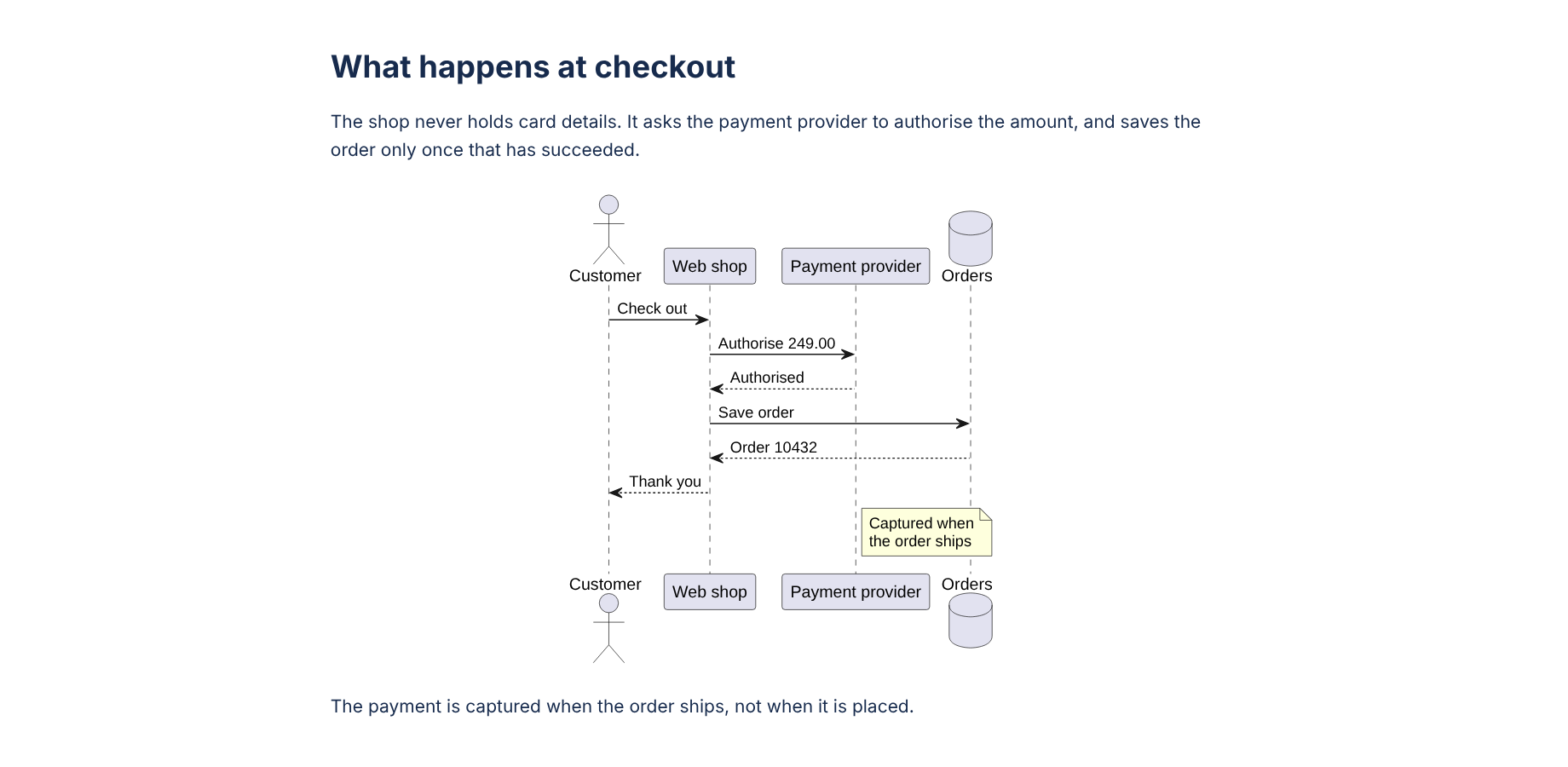
- A diagram macro. Write a diagram as PlantUML or Graphviz text; the page shows the drawing. It is drawn in your browser: no rendering server is involved.
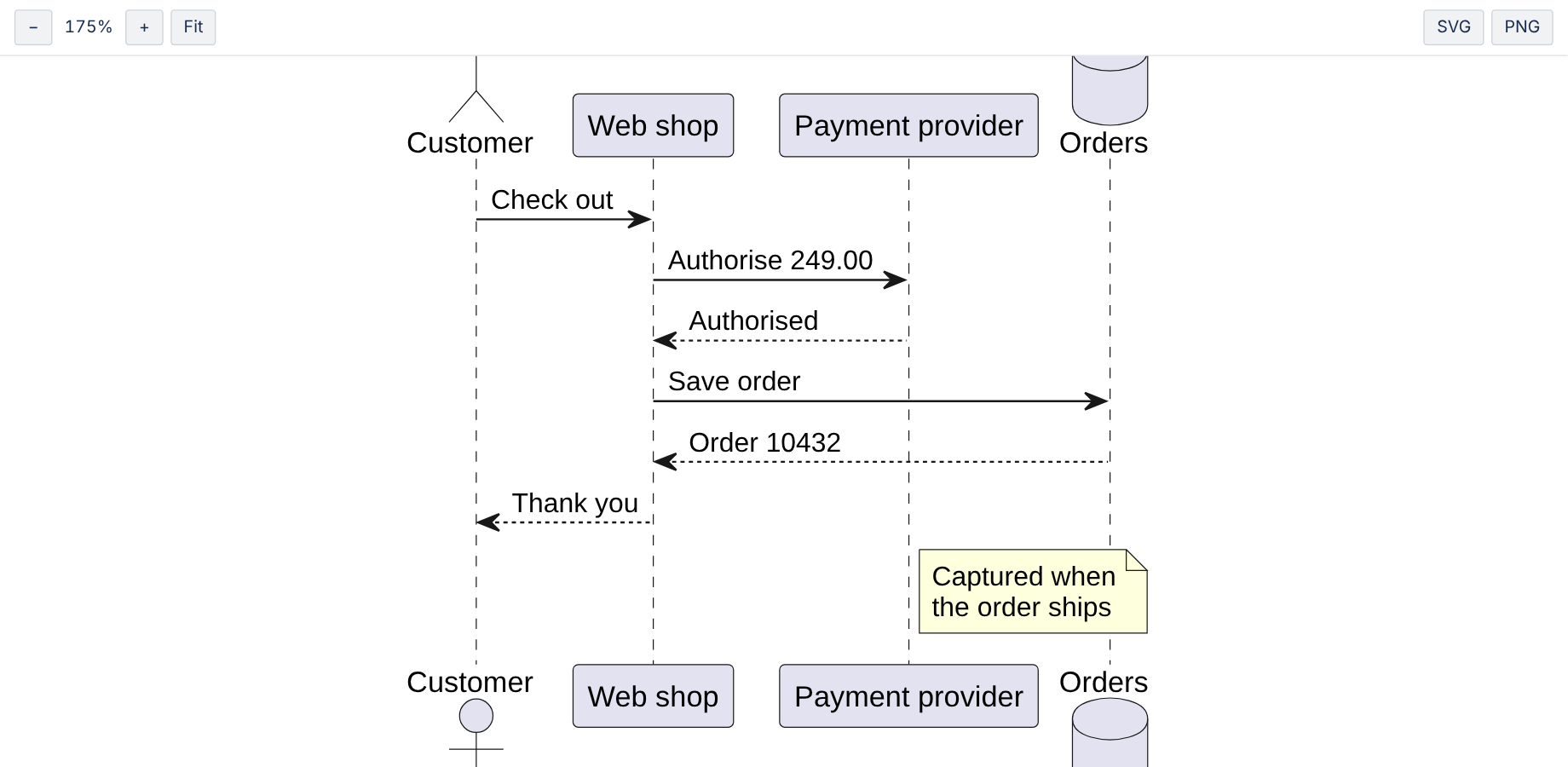
- Enlarge. Open a diagram over the whole window to zoom and move, and download it as SVG or PNG.
- Exports. A page exported to PDF or Word holds the diagram as a picture.
Adding a diagram
- Edit a page and type
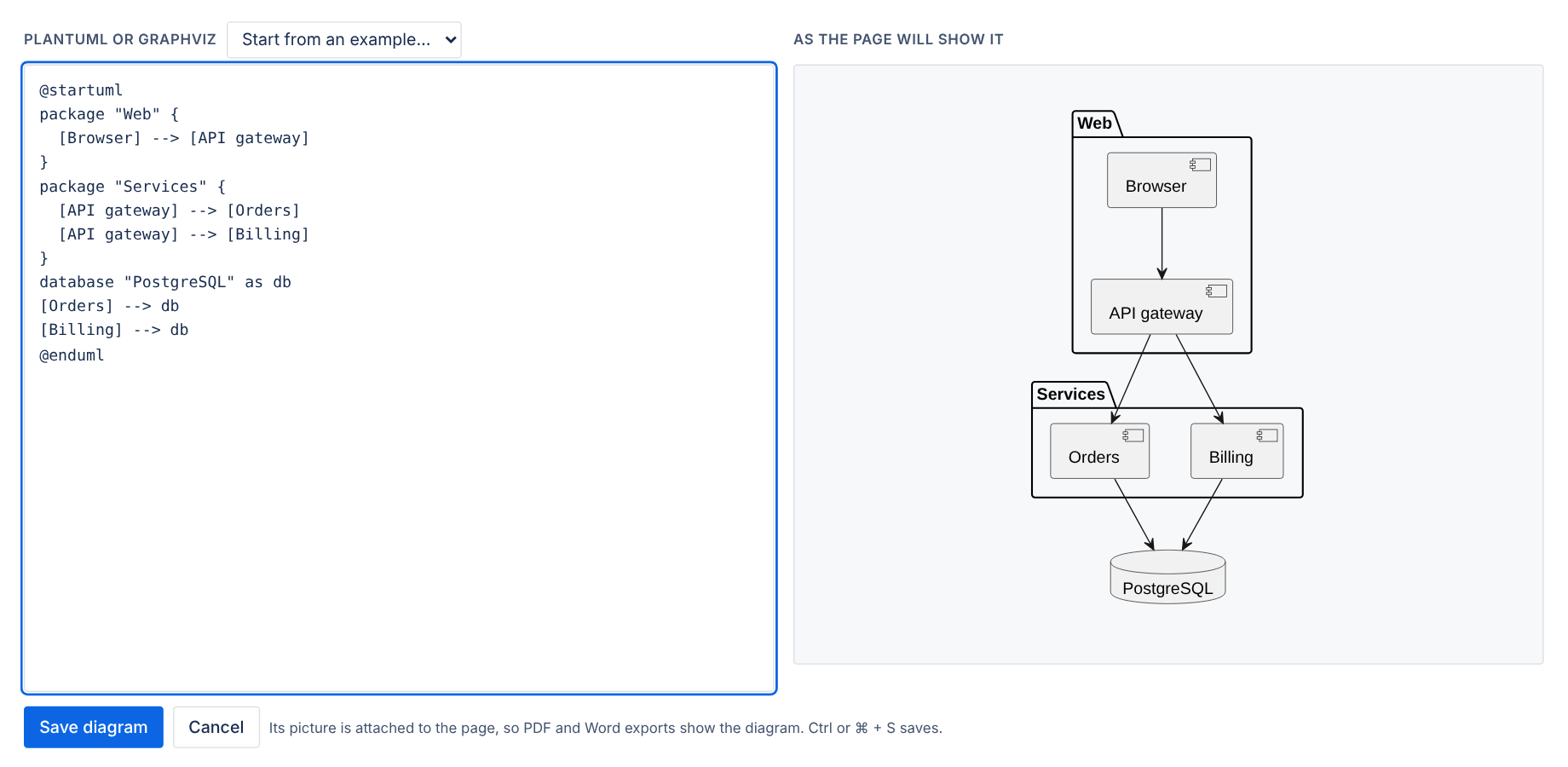
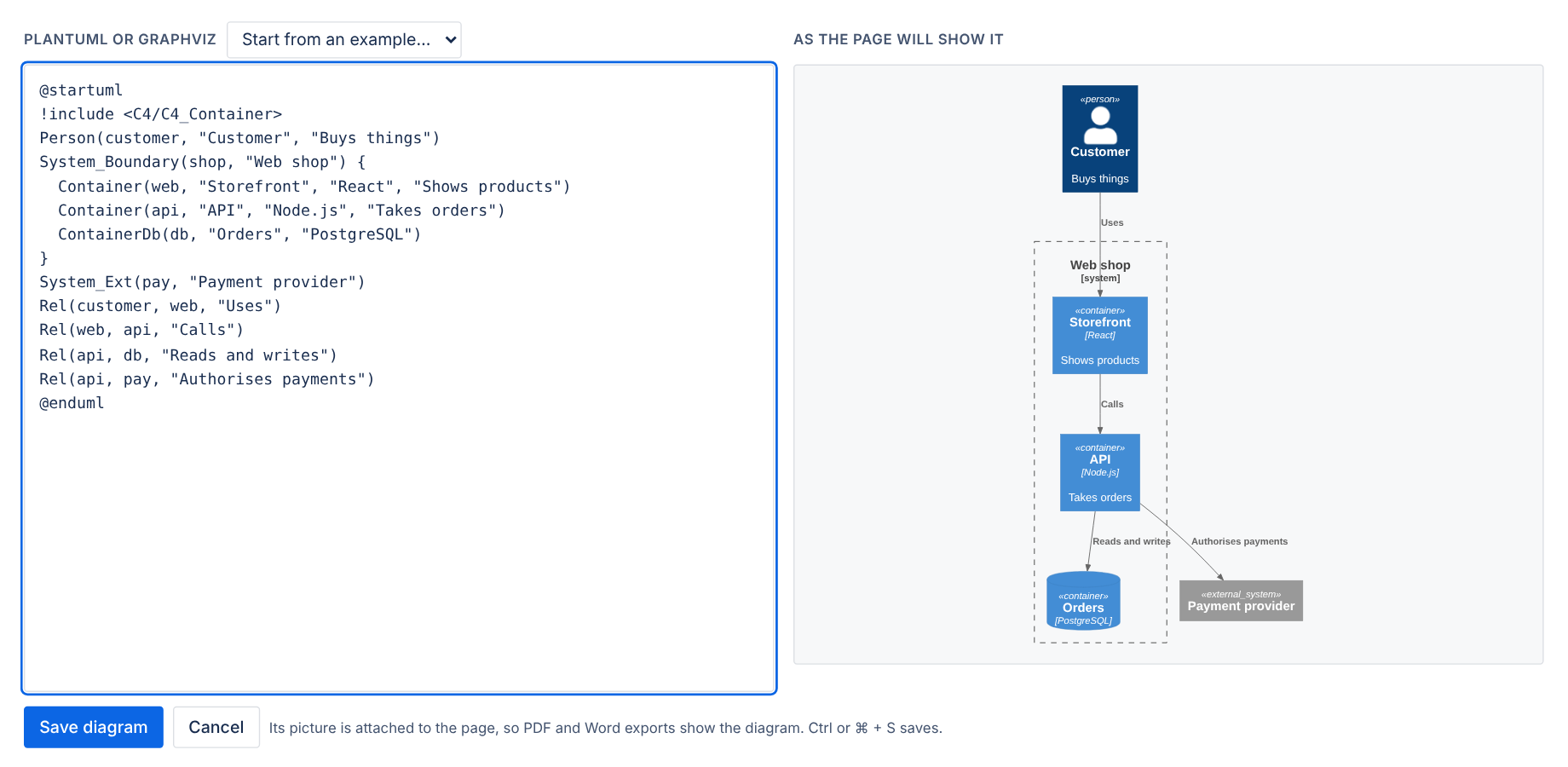
/plantuml, then choose PlantUML diagram. - The editor opens. Write the diagram on the left, or pick one of the examples under Start from an example and change it.
- The right side shows the drawing as you type. If the text does not parse, the last drawing stays, dimmed, and the reason is shown beneath it.
- Choose Save diagram, or press Ctrl or ⌘ + S.
To change a diagram later, edit the page, select the diagram and choose the pencil.
What you can write
A text that begins with @startuml, @startmindmap, @startgantt,
@startjson or another of PlantUML's openings is read as PlantUML.
Anything else is read as Graphviz DOT, for example
digraph g { a -> b }.
- Themes:
!theme ceruleanand the other themes PlantUML ships. - C4:
!include <C4/C4_Context>,C4_Container,C4_Componentand the rest of C4-PlantUML. - Not available:
!includeof a URL, a file or another page, and the icon libraries of PlantUML's standard library (AWS, Azure and the like). Nothing is fetched from anywhere, so what is not in the app cannot be included.
Reading a diagram
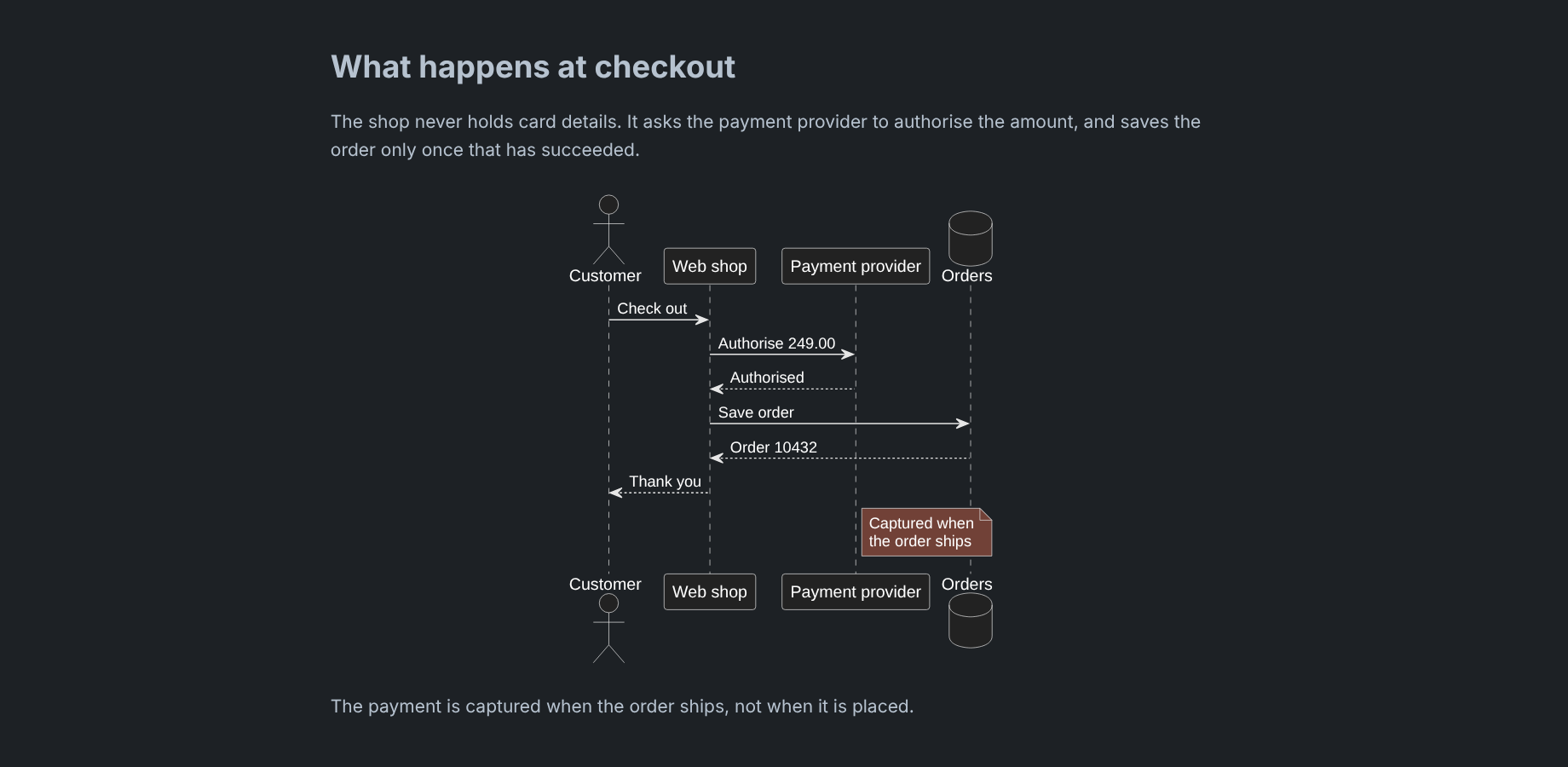
A diagram is drawn at the width of the page's column and follows your theme, light or dark. Point at it and choose Enlarge to open it over the whole window. There:
- + and −, the mouse wheel, or the plus and minus keys zoom;
- dragging or the arrow keys move it;
- Fit, or the zero key, shows all of it again;
- SVG and PNG download it.
Exporting a page
When a diagram is saved, its picture is attached to the page under a
name beginning with diagram-. Exporting the page to PDF or Word puts
that picture where the diagram stands. The picture is drawn on white,
in the light theme, at twice its shown size.
If the picture could not be attached, for example because you may not add attachments to the page, the editor says so and offers to save without it. The page then shows the diagram as always, and an export shows the diagram's text.
Do not delete the diagram- attachments of a page whose diagrams you
want in exports. Saving a diagram again makes its picture anew.
Searching
Search finds a page by the words in its diagrams: the text of a diagram is stored in the page, not with us.
Limits
- A copied page's diagrams are exported as pictures only after each has been saved once in the copy.
- The first diagram on a page takes a moment longer than the rest: the engine is loaded with it.
- If your organisation's browser policy forbids WebAssembly, PlantUML diagrams are still drawn, with a plainer layout, and Graphviz DOT graphs are not.
Price
Free for sites of up to 10 users. Above that it is priced per user and billed by Atlassian with your other apps, after a 30 day trial. If a licence lapses, nothing you made is hidden: what is on your pages stays shown, and only making and changing are turned off.
Your data
Diagrams are drawn in your browser, inside Confluence. The app has no server of ours behind it and stores nothing; when a page is exported, Atlassian runs the app once per diagram to hand over its picture. See the privacy policy.
Help
Write to support@sigfrid.systems. Say what you did and what you saw; a diagram's text helps most.
Questions
What does PlantUML & Graphviz Diagrams cost?
It is free for sites of up to 10 users. From 11 to 100 users it is 0.70 USD a user a month, less at each larger tier, and Atlassian bills it with your other apps. Atlassian gives every paid app a 30-day trial. There is no account to create and no limit on the number of diagrams.
Is our diagram text sent to a rendering server?
No. PlantUML's own engine and Graphviz are bundled with the app and run in the reader's browser, inside Confluence. No rendering server is involved, ours or anyone else's. The diagram's text is stored in the page, and the app stores nothing. When a page is exported, Atlassian runs the app once per diagram to hand over its picture, and that step calls nothing else.
What permissions does it ask for, and why?
One scope, write:confluence-file, to attach a diagram's picture to
its page when you save it, so that PDF and Word exports can show the
diagram. It also asks Confluence's page policy for two things:
- inline styles, because a drawn diagram carries its colors as styles inside its own SVG;
unsafe-eval, the only name Forge accepts that lets WebAssembly start. Graphviz, which lays the diagrams out, is compiled to WebAssembly. The app never runs a diagram's text as code.
What happens if our license lapses?
Every diagram already on a page is still drawn and still exported as a picture. Only saving is turned off: the editor says that the license has lapsed, and Save diagram stays off until it is renewed.
Does it work in dark mode?
Yes. A diagram is drawn in the reader's theme, light or dark. The picture attached for exports is always drawn on white, in the light theme.
Is there a version for Confluence Data Center or Server?
No. The app is built on Atlassian Forge and runs on Confluence Cloud only.
Why is my text drawn as a Graphviz graph, or not at all?
The first line decides. A text that begins with @startuml,
@startmindmap, @startgantt, @startjson or another of PlantUML's
openings is read as PlantUML. Anything else is read as Graphviz DOT.
If a PlantUML diagram is missing its opening line, add it.
A text that cannot be read is shown on the page as its text, with the reason beneath it. In the editor, the last good drawing stays, dimmed, while you fix it.
Why does my `!include` fail?
The app fetches nothing from anywhere, so it can include only what it
carries. C4-PlantUML is bundled: !include <C4/C4_Context>,
C4_Container, C4_Component and the rest work. An !include of a
URL, a file or another page is refused, and so are the icon libraries
of PlantUML's standard library, such as AWS and Azure. Copy what you
need from such a file into the diagram itself.
Why does it say Graphviz could not start?
Your browser, or your organization's browser policy, does not allow WebAssembly on the page. PlantUML diagrams are then still drawn, with a plainer layout, but Graphviz DOT graphs cannot be. Ask whoever manages your browsers whether WebAssembly may run on your Confluence site.
Why does a diagram take a moment to appear?
The PlantUML and Graphviz engines run in your browser, so they are loaded before a diagram can be drawn.
Why does the PDF or Word export show the diagram's code?
The export uses the picture attached when the diagram was saved. If
there is none, the export shows the text instead. Check that the
diagram was saved after it was changed and that the page still has its
diagram- attachments. A copied page's diagrams are exported as
pictures only after each one has been saved once in the copy. If saving
says the picture could not be attached, read the reason it gives; one
cause is that you may not add attachments to the page.
How do we get help?
Write to support from https://mart.sigfrid.systems/support/. Say what you did and what you saw, and copy any error message word for word. The diagram's text helps most.
Still stuck? Search every app's help in the help centre, or write to us.
More from Sigfrid Mart
-

Markdown Pages for Confluence
Import Markdown folders as page trees, edit pages as Markdown, and export pages to Markdown with their images.
-

Mermaid Diagrams & Export for Confluence
Mermaid diagrams drawn sharp at full width, zoomable, in dark mode, and kept as pictures in exports.
-

OpenAPI Viewer for Confluence
OpenAPI and Swagger files as API documentation on a Confluence page, with nothing sent out.
-

Plain Text Mode for Jira
Edit Jira descriptions and comments as plain Markdown. Nothing rewrites what you type.
-

Portal Request Details for Jira Service Management
Show customers custom fields, the assignee, SLA time left and linked requests on the portal.
-

Space Copy for Confluence
Copy a Confluence space, or into one, with its links leading to the copies.